Small Business ERP Software Implementation Services

Bringing ERP software into a small business is one of the most significant technology decisions a growing company will make. Unlike accounting software or a simple inventory tool, ERP implementation affects almost every department: finance, purchasing, sales, inventory, operations, reporting, and often customer service. Done well, ERP software implementation services can unify scattered systems, reduce manual work, and give management a reliable view of the entire business. Done poorly, the same project can create disruption, delays, and frustration that takes years to recover from.
ERP implementation is not simply installing software and teaching staff where to click. It is a structured process of understanding how a business actually operates, mapping those operations against the capabilities of the system, migrating data, configuring workflows, testing, training, and supporting employees through the change. For a small business, where resources are limited and every hour of downtime matters, implementation quality often determines whether the ERP becomes the foundation for growth or another expensive disappointment.
This guide explains what ERP software implementation services involve for small businesses, why implementation deserves as much attention as software selection, how the process typically unfolds, what risks to watch for, and how to choose an ERP implementation partner who will deliver long-term value rather than short-term promises.
What Are Small Business ERP Software Implementation Services?
Small business ERP software implementation services are the professional services required to take an ERP platform from purchase to productive use. They bridge the gap between a software license and a working business system.
A typical implementation engagement includes several core activities:
- Business process review and requirements gathering
- System configuration to match workflows
- Data migration from existing spreadsheets or legacy software
- Integration with other business applications
- Testing and quality assurance
- User training and documentation
- Go-live support and post-launch optimization
ERP software implementation services are offered by ERP vendors, independent consultants, system integrators, and specialist firms. Some vendors bundle implementation into the license; others quote it separately. Either way, implementation is not a one-time event. It often continues through phases as the business adds users, locations, products, or modules.
For a small business, the ideal implementation is proportionate. It should not overwhelm the organization with a massive enterprise project, but it should not cut corners on data integrity, testing, or training. The goal is a working system that employees trust and management relies on. To explore how ERP fits into broader operations, see business management systems that scale with growth.
Why Implementation Quality Determines ERP Success

Many ERP disappointments are not caused by the software itself. They are caused by weak implementation. The features were there, but the workflows were not configured correctly, the data was not migrated cleanly, or employees were never properly trained.
Implementation quality affects nearly every outcome a small business cares about:
- How quickly employees become productive in the new system
- Whether data in reports can be trusted
- How smoothly existing customers and orders transition
- The total cost of ownership over the life of the platform
- Whether the ERP can realistically support future growth
A poorly implemented ERP often results in employees maintaining spreadsheets on the side, entering data twice, or avoiding the system altogether. When that happens, the promised visibility and efficiency never materialize. The business then faces an uncomfortable choice: live with the inefficiency, pay for a second implementation, or replace the system entirely.
Investing in proper implementation is therefore not an overhead cost. It is the difference between software that is owned and software that is used.
Signs Your Small Business Is Ready for ERP Implementation

Not every small business needs ERP. But certain patterns suggest a business has reached the point where a structured ERP implementation would solve more problems than it creates.
Common signs include:
- Employees entering the same data into multiple systems
- Financial, inventory, and sales reports disagreeing between departments
- Dependence on spreadsheets for critical processes like inventory, purchasing, or reporting
- Manual workarounds for approvals, order processing, or stock replenishment
- Difficulty onboarding new employees because processes are undocumented
- Limited visibility into operations unless several reports are manually combined
- Growing order, customer, or SKU volumes that the current tools cannot handle
If several of these apply, the business may benefit from ERP software for companies outgrowing spreadsheets. For a deeper look at the warning signs, see how to replace spreadsheets with ERP software.
The Core Phases of a Small Business ERP Implementation
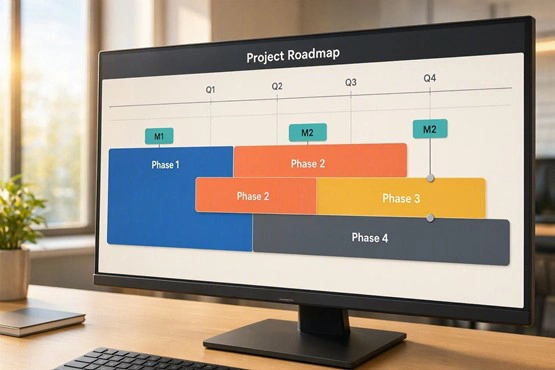
A well-run ERP implementation follows a structured set of phases. Every business is different, but the sequence is usually consistent.
Phase 1: Discovery and Requirements Gathering
During this phase, the implementation team interviews employees, reviews existing processes, and documents how the business actually works. The output is a clear picture of current workflows, pain points, and requirements.
Phase 2: Solution Design and Configuration
Next, the ERP system is configured to match the business. This may involve setting up chart of accounts, inventory structures, purchasing workflows, approval rules, user roles, and reporting templates. Configuration should be kept as close to standard as possible to reduce long-term maintenance.
Phase 3: Data Migration
Existing data — customers, suppliers, products, opening balances, open orders — is cleaned, mapped, and imported. Data migration is often the most underestimated part of implementation. Poor data quality will always surface in reports later.
Phase 4: Integration
Where the business uses other systems — CRM, POS, e-commerce, payroll, banking — integrations are configured to reduce duplicate entry and keep information consistent. For a practical guide, see CMS integration with CRM and business tools.
Phase 5: Testing
Before go-live, the business runs realistic scenarios through the system: entering orders, receiving stock, processing invoices, running reports. Testing identifies issues while they are still inexpensive to fix.
Phase 6: Training and Documentation
Employees learn not just where to click, but how the new workflows affect other departments. Training should be role-specific — sales, warehouse, finance, and management each need different focus areas.
Phase 7: Go-Live and Support
The system goes live, often with a period of elevated support. Questions are resolved quickly, and small refinements are made. Post-go-live review helps confirm that the ERP is delivering the expected benefits.
How Long Does ERP Implementation Take for a Small Business?
Implementation timelines vary widely depending on scope. A simple implementation for a small business with limited modules can take eight to twelve weeks. More complex projects involving multiple locations, integrations, or custom workflows often take three to six months. Enterprise-level implementations can take a year or more.
What matters for small businesses is not speed alone, but predictability. A realistic timeline that allows for data cleaning, testing, and training almost always produces a better outcome than a rushed schedule that skips steps.
The Most Common ERP Implementation Mistakes

Many ERP failures follow predictable patterns. Knowing them in advance helps small businesses avoid expensive lessons.
- Treating implementation as a software installation rather than a business transformation
- Skipping data cleanup before migration
- Trying to replicate every old process, including inefficient ones
- Underestimating training and change management
- Choosing a partner who cannot support the business after go-live
- Configuring too much, creating long-term maintenance burdens
- Not assigning a clear internal project owner
Each of these mistakes increases the risk of a system that technically works but is not actually adopted by employees.
How to Choose the Right ERP Implementation Partner

The implementation partner matters as much as the software. A strong partner understands both the technology and the day-to-day realities of a small business.
When evaluating partners, consider:
- Industry and size-specific experience
- References from similar businesses
- Depth of support after go-live
- Transparency around cost, timelines, and scope
- Willingness to recommend standard solutions rather than unnecessary customization
- Ability to explain technical concepts in plain business language
For businesses exploring specialized needs, custom ERP systems for small and mid-sized businesses may be worth considering. Custom development offers flexibility but requires a partner who understands long-term maintainability.
The Role of Integrations and Automation in ERP Implementation
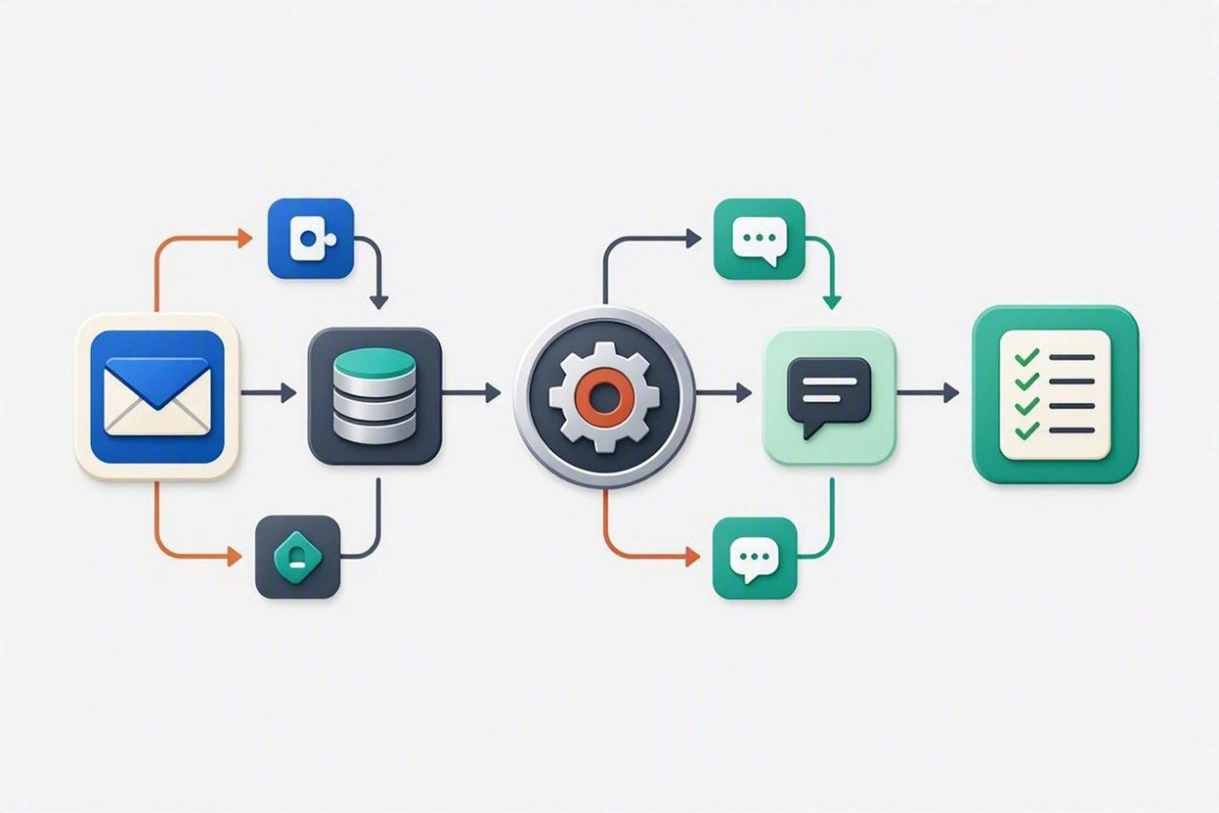
An ERP rarely operates alone. It may connect to a CRM, an e-commerce platform, a POS system, accounting tools, or specialized applications. Integration is what turns these individual systems into a coordinated environment.
Automation adds further value. Approvals, stock replenishment alerts, invoice reminders, and reporting can be triggered automatically, reducing manual work as transaction volumes rise. To see how connected workflows support growth, explore business software integration services.
Preparing Employees for ERP Implementation
Technology does not deliver value if employees do not adopt it. Change management is therefore a core part of implementation, not a soft add-on.
Employees need to understand:
- Why the change is happening
- What is different in their daily work
- Where to find help during and after rollout
- How their role contributes to the accuracy of the system
Practical steps include early communication, involving key users in testing, providing role-specific training, and recognizing employees who embrace the new system.
How Cloud ERP Affects Small Business Implementation

Cloud ERP has changed implementation for small businesses. Because the infrastructure is managed by the provider, businesses can focus on configuration, data, and training rather than servers and hardware.
Cloud ERP also supports:
- Remote access for employees
- Easier scaling as users and transactions increase
- Faster updates and security patches
- Predictable subscription-based pricing
Cloud does not remove the need for careful implementation. It simply shifts where the effort is required.
What ERP Implementation Costs for a Small Business
Costs vary significantly based on modules, users, integrations, and data complexity. A rough breakdown usually includes:
- Software licenses or subscription
- Implementation services
- Data migration
- Integration work
- Training
- Ongoing support and maintenance
The most useful comparison is not the initial quote but the total cost of ownership over three to five years, weighed against the operational benefits the ERP is expected to deliver.
When to Consider Custom ERP Development
Custom ERP development can make sense when standard software cannot support critical processes, or when unique workflows create competitive advantage. But customization also increases long-term responsibility for upgrades, security, and maintenance.
Before choosing custom development, businesses should evaluate configurable commercial ERP platforms, integration options, and consulting support. Many needs that appear unique can often be met with careful configuration rather than fully custom code.
ERP Consulting Services for Small Business Owners
ERP consulting services for small business owners typically cover:
- Software selection support
- Process review and redesign
- Implementation planning and oversight
- Data migration
- Integration strategy
- Training and change management
- Post-go-live optimization
The right consultant acts as a translator between the business and the technology, ensuring that the ERP serves the business rather than the other way around.
Frequently Asked Questions
How long does ERP implementation take for a small business?
Typically eight weeks to six months, depending on modules, integrations, and data complexity. Simpler implementations with limited scope can move faster.
Do small businesses really need ERP?
Not all of them. ERP is most valuable when a business has outgrown spreadsheets and disconnected tools, and when accurate, integrated data is critical to decision-making.
Can ERP be implemented without disrupting operations?
Yes, with careful planning. Phased rollouts, parallel running during transition, and strong training reduce disruption. Trying to implement everything at once increases risk.
Should we choose cloud or on-premise ERP?
For most small businesses, cloud ERP offers simpler infrastructure, easier scaling, and predictable costs. On-premise may still make sense for specific security, regulatory, or legacy reasons.
How much does ERP implementation cost?
Costs vary widely. Small business implementations often start in the low five figures and rise with complexity. The right comparison is total cost of ownership against expected operational benefits.
Can we implement ERP ourselves?
Some businesses attempt self-implementation using vendor templates and documentation. This can work for very simple cases, but usually increases risk around data migration, configuration, and long-term support.
Building a Strong ERP Foundation for Future Growth
ERP software implementation services are not simply a technical task. They are a structured way of aligning a company's operations with the technology that will carry it forward. For a small business, the goal is not the most advanced system, but the most usable one: a platform employees trust, managers rely on, and the business can build on as it grows.
The right implementation reduces friction, improves visibility, supports better decisions, and prepares the business for the next stage of growth. Done well, ERP becomes a foundation. Done poorly, it becomes another problem to manage. The difference lies in implementation.
If your business is considering ERP and wants practical guidance, explore the options at Praxis Blueprint — including CMS, ERP, and POS systems designed for small and mid-sized businesses.